
PRODUCTION
News, Social Media, Press Hub
Upload fabrication-ready CAD files for engineering review, material validation, production routing, and revision-controlled manufacturing coordination.
FABRICATION AND EXECUTION
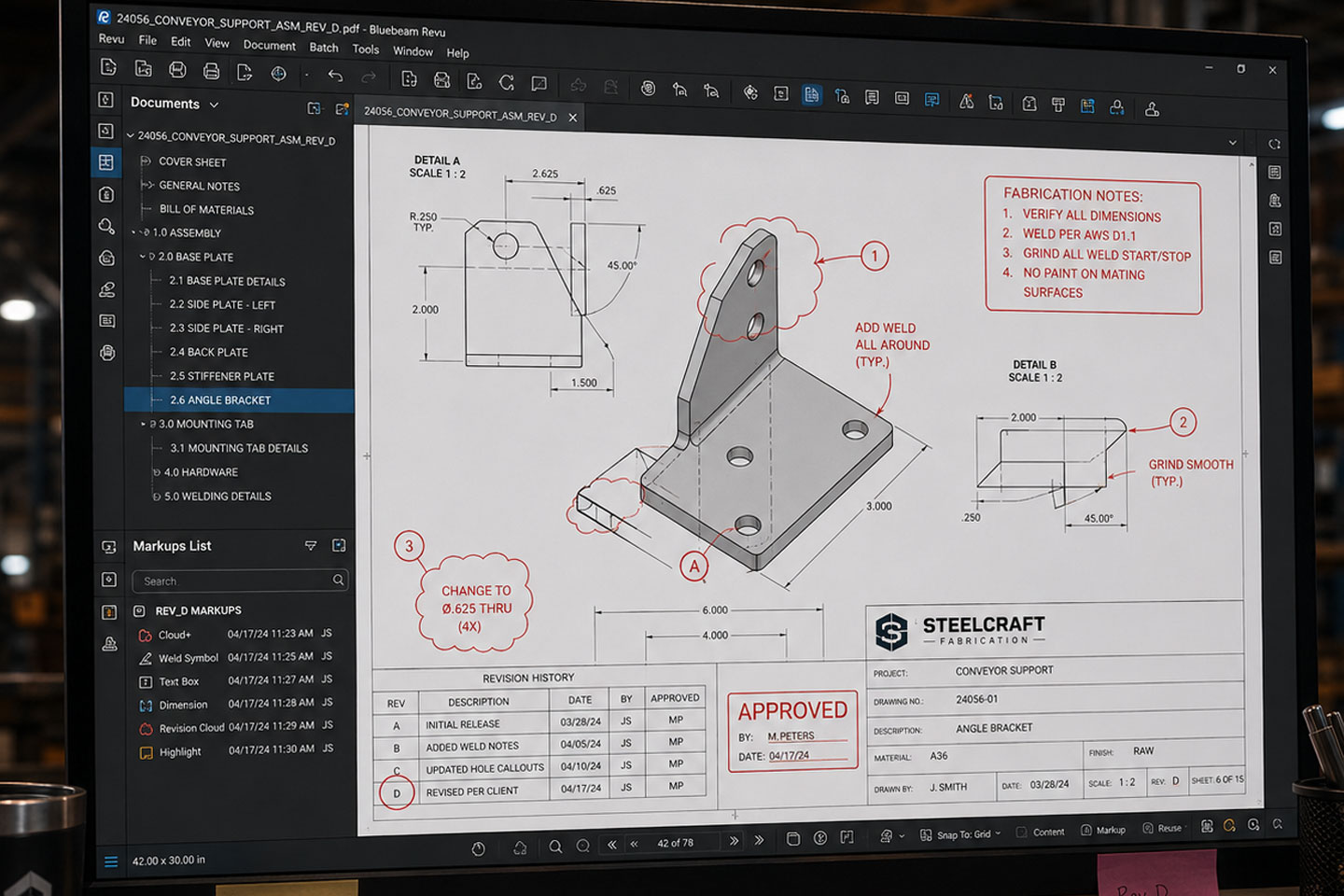
DXF and DWG intake begins with technical review, not decoration. Drawing files are checked for fabrication readiness, dimensional clarity, material intent, structural logic, and production constraints. The goal is to determine whether the submitted file can move into engineering review, quoting, fabrication, or installation planning without guesswork.
Files are reviewed against real build conditions including material thickness, cut strategy, mounting requirements, tolerances, finish requirements, and field integration. Incomplete files are flagged early so the project does not enter production with unresolved geometry, missing dimensions, or unclear fabrication intent.
File Review Standards
Accepted File Types
DXF, DWG, PDF, STEP, ZIP, JPG, PNG
Review Checks
Scale verification, Unit confirmation,
Closed geometry, Layer organization
Cut path clarity, Material thickness,
Mounting requirements, Tolerance
requirements, Finish requirements,
Installation conditions
PROCESS CONTROL
Every submitted file enters a controlled review sequence. Drawings are checked for scale, units, closed geometry, layer organization, material notes, and build intent. CAD files are compared against project requirements before production decisions are made.
If the file is ready, it moves toward quotation, engineering review, prototype planning, or fabrication release. If the file needs correction, the issue is documented before work continues. This prevents blind fabrication, tolerance conflicts, material waste, and installation delays.
Before You Upload
Use the latest drawing version.
Include dimensions, notes, and material intent.
Label revision versions clearly.
Upload reference PDFs or images when they help explain the build.
Do not upload final production files unless they are ready for review.
What Happens Next
Your submission enters technical review. DCLA FAB checks the file for fabrication readiness, missing information, material conflicts, and production risk. If the file is clear, it moves toward estimating or production planning. If the file needs correction, the issue gets documented before work continues.
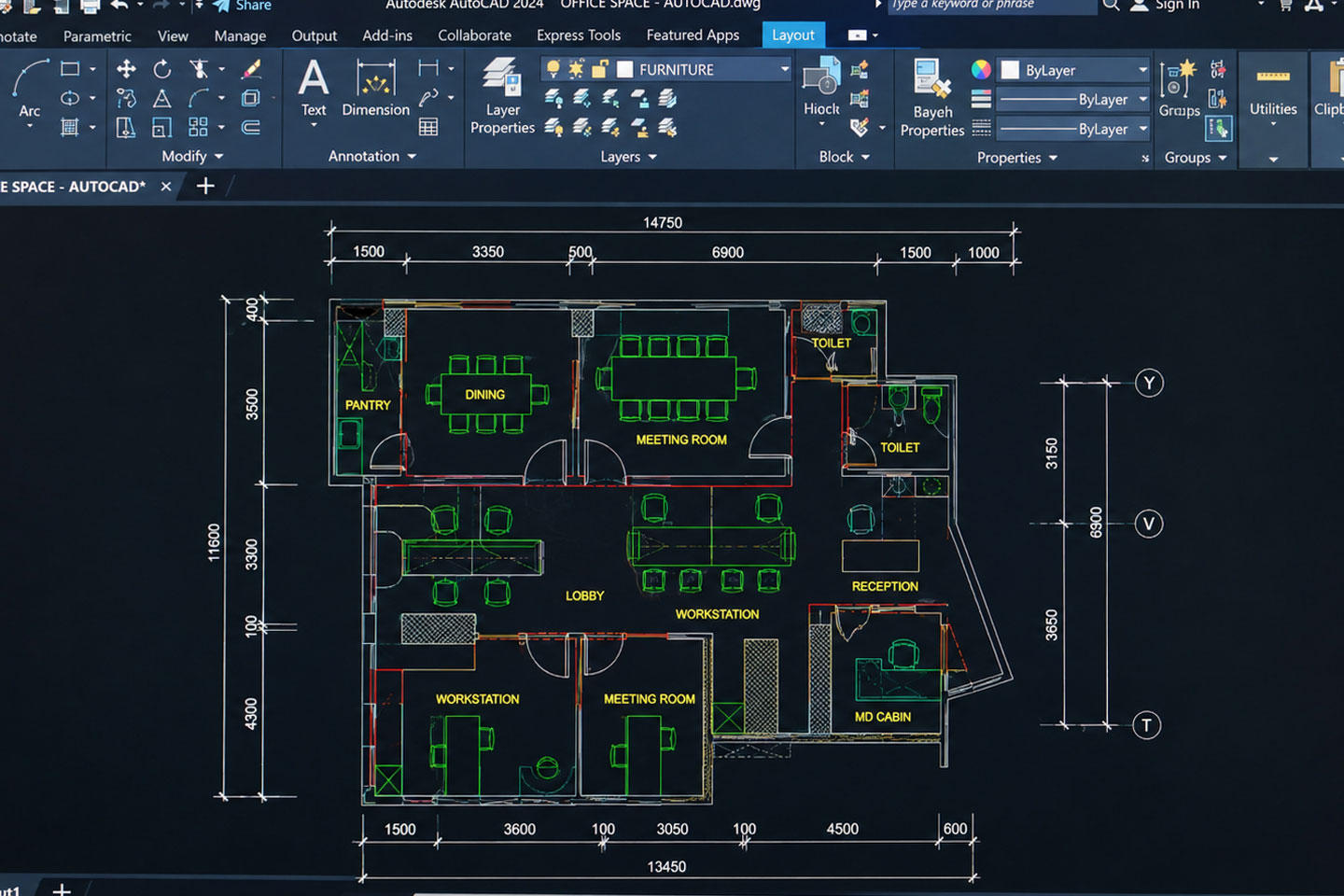
Fabrication Intake
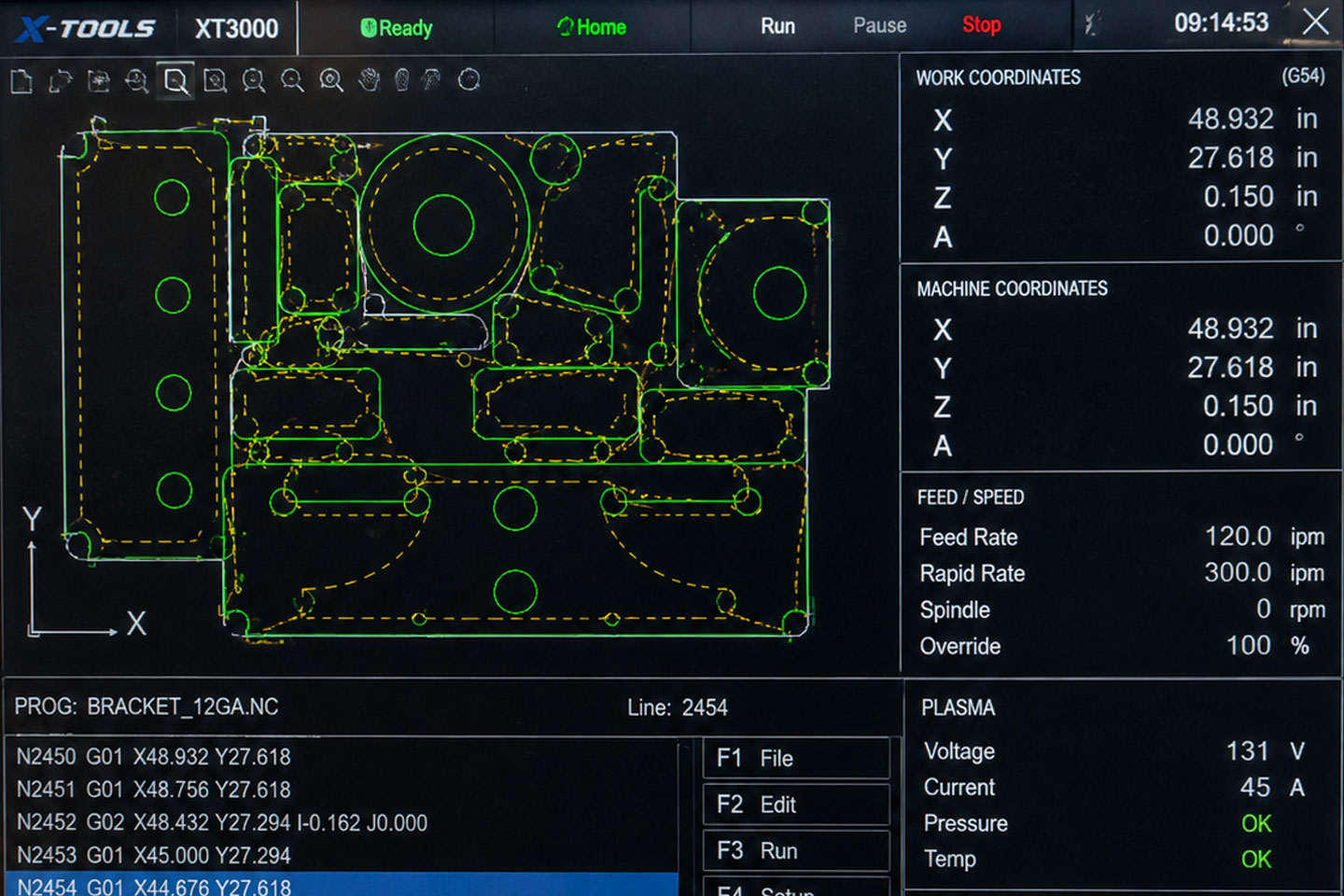
Production Review
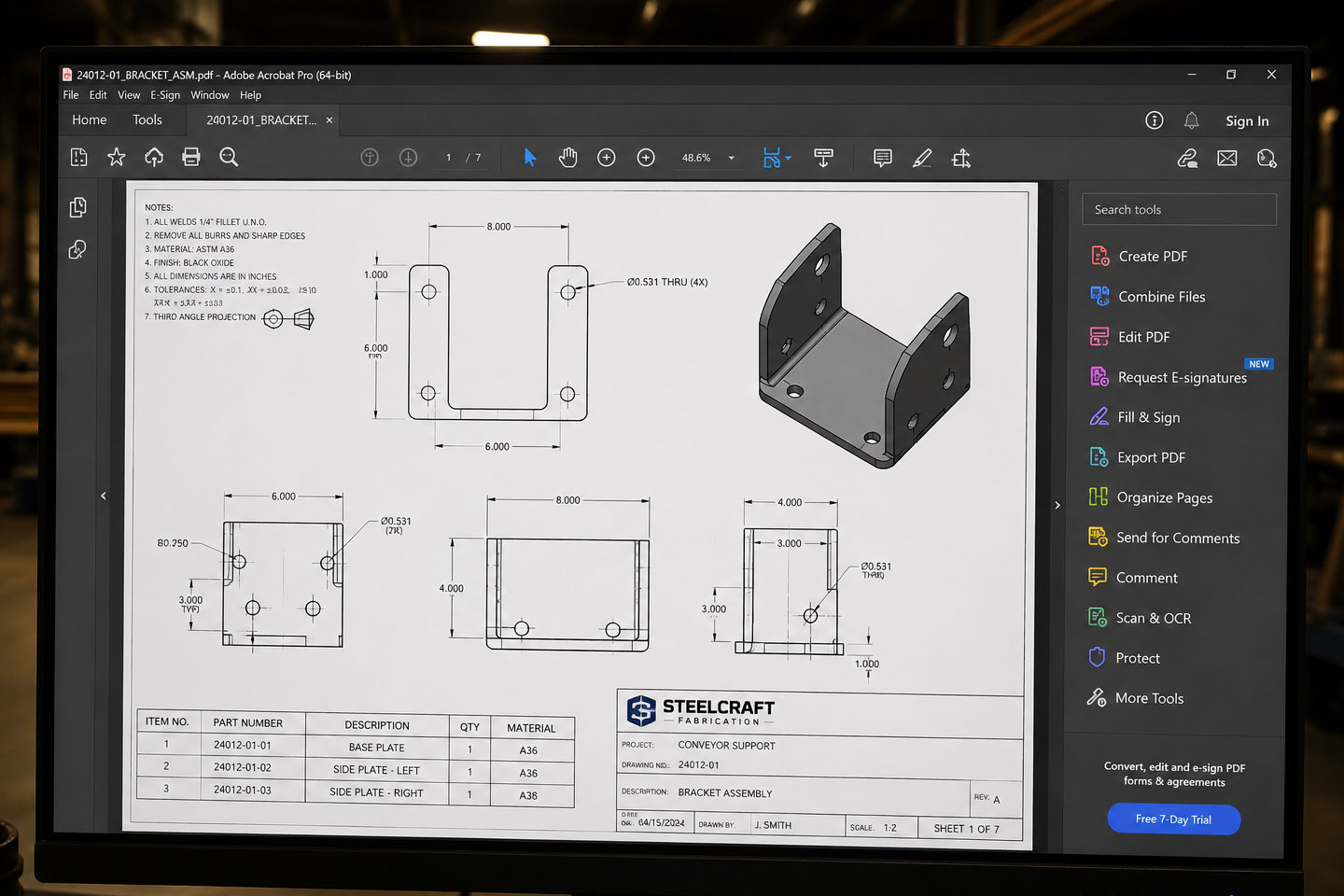
Engineering Approval
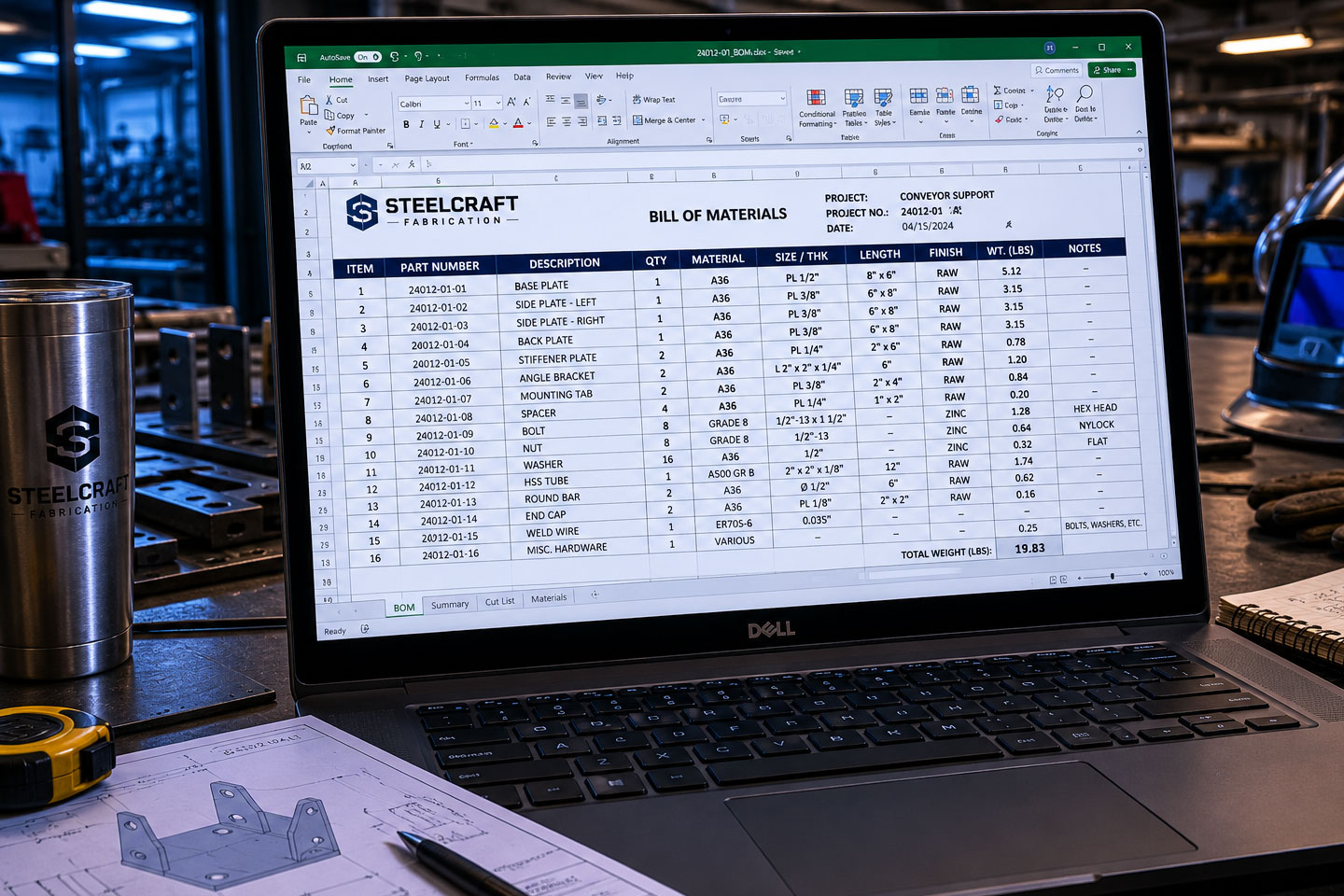
Manufacturing Coordination
For Production Release