
Production
Upload Drawings
Submit revised drawings, specification packages, CAD files, field scans, and supporting production documents for an existing DCLA FAB project.
Project File Update
This page is for active or previously discussed projects that already have a project number, work order, client record, or production context. Use it to submit updated drawing sets, revised DXF or DWG files, specification sheets, BOM changes, site scans, permit documents, approval packages, and other project support files.
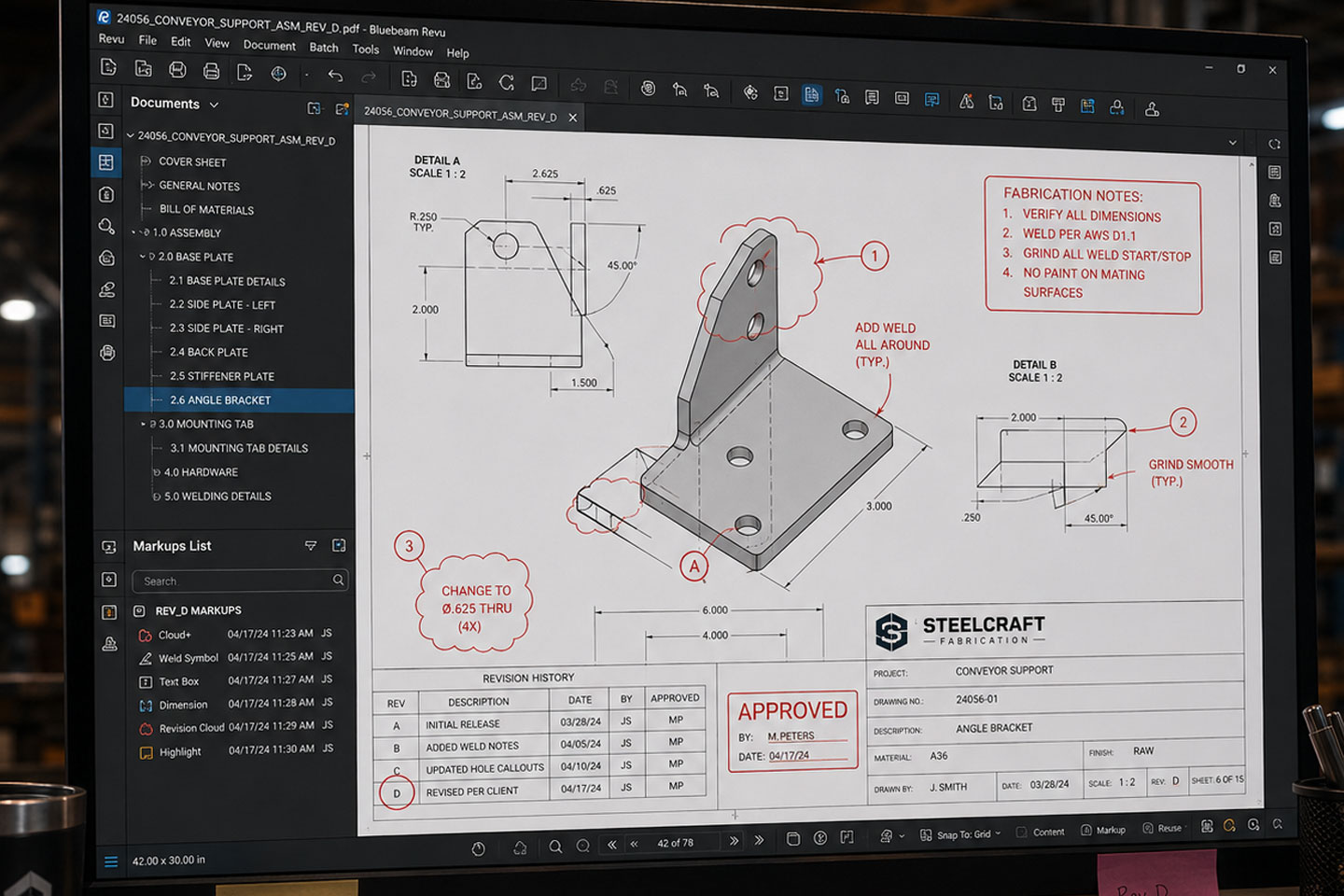
Files uploaded here are treated as controlled project updates. DCLA FAB checks the submitted package against the current project record, prior drawing version, revision history, material notes, and production status before any project file is treated as current.
Production Files DXF, DWG, PDF, STEP, STL, ZIP, JPG, PNG
Supporting Documents Drawing packages, revision notes, marked-up PDFs, specification sheets, bill of materials, field photos, site scans, permit files, approval records, and manufacturing reference documents.
Revision Control
Every uploaded file should identify the project, work order, revision version, and package type when available. This prevents production confusion, duplicate files, outdated drawings, and undocumented field changes.
If the upload changes scope, dimensions, material, finish, mounting method, deadline, or installation conditions, note that clearly. Revision-related uploads may require review before fabrication, purchasing, finishing, delivery, or installation continues.
Include the project number or work order if you have one.
Label revision versions clearly.
Upload complete packages when possible.
Add notes for any changed dimensions, finishes, or field conditions.
Do not upload superseded files unless they are marked as reference only.
Your upload enters review against the current project record. DCLA FAB confirms the package type, checks revision status, identifies production impact, and updates the project file path when the upload is cleared.
Submit Project Files
Upload revised drawings, support files, scans, or project documents for review.
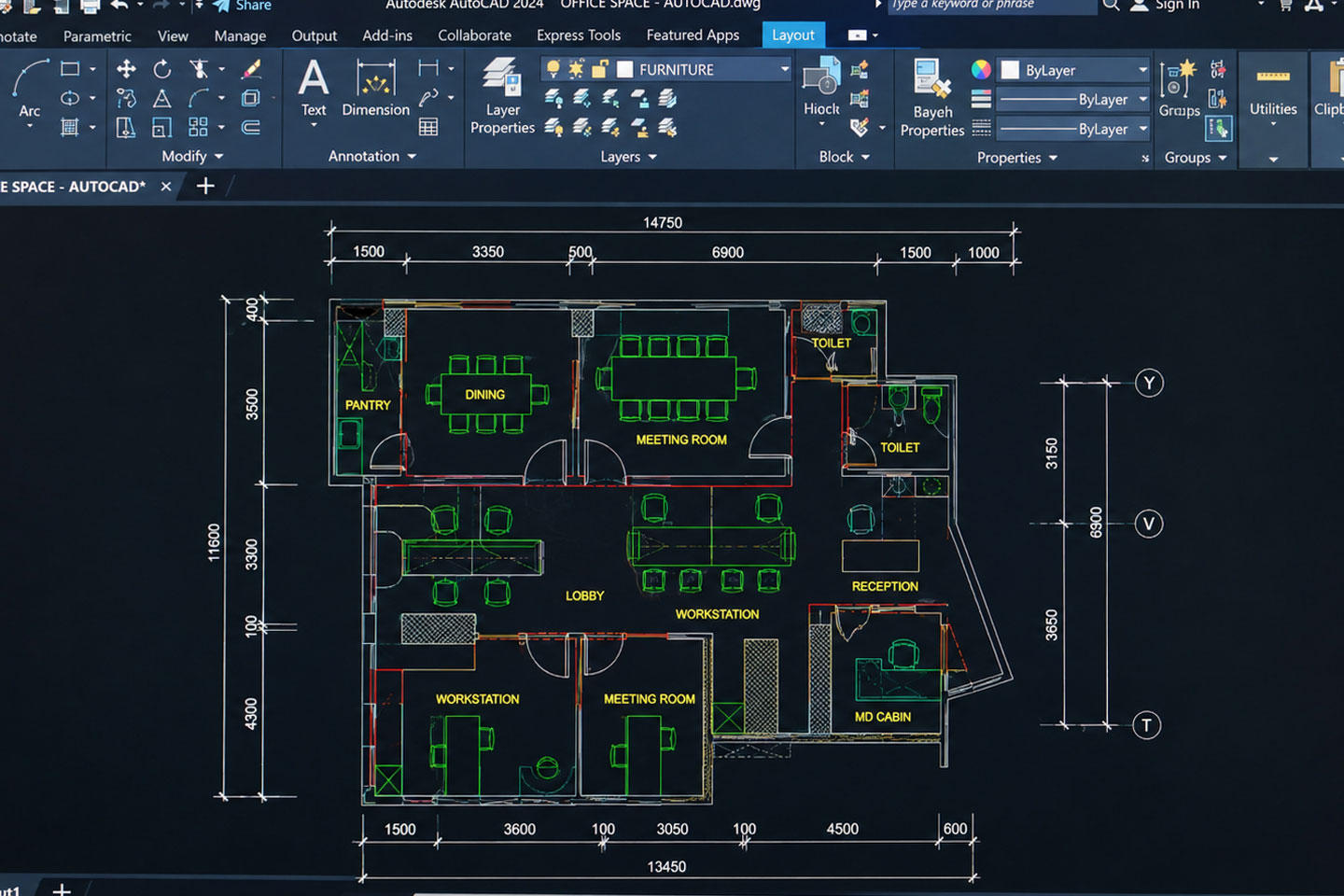
DXF CAD DRAWING FOR
FABRICATION INTAKE
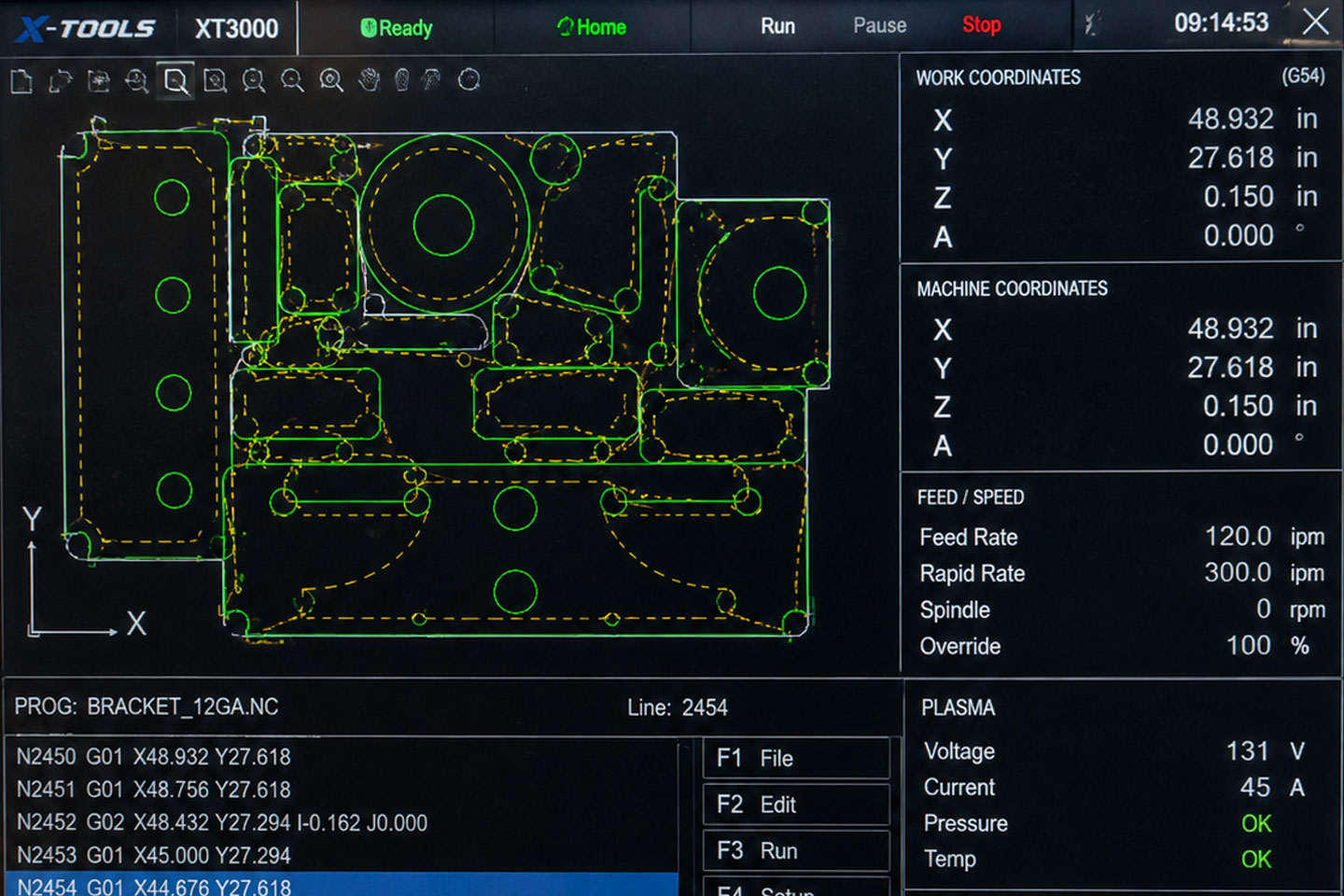
DWG ENGINEERING DRAWING FOR
PRODUCTION REVIEW
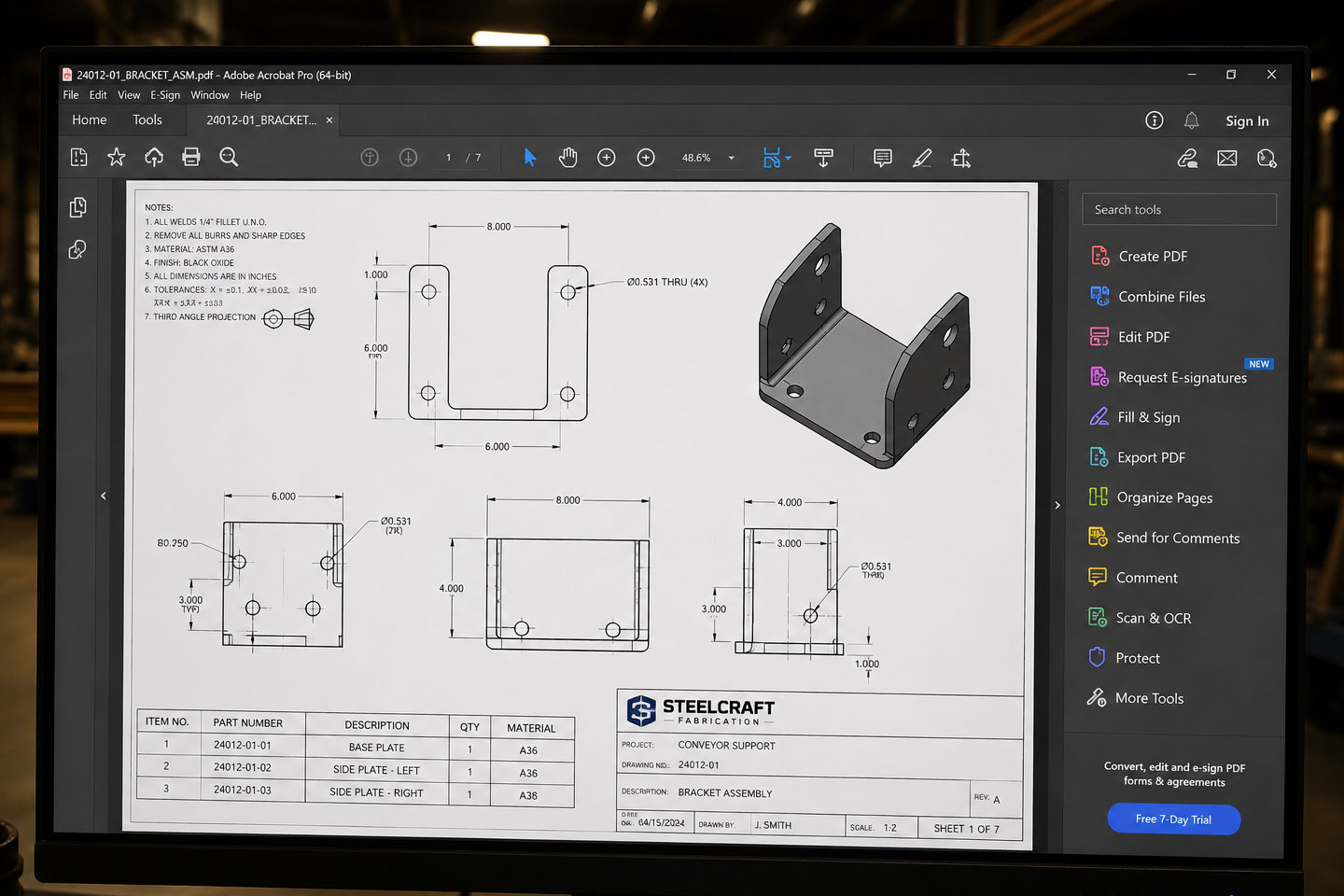
FABRICATION PDF PACKAGE FOR
ENGINEERING APPROVAL
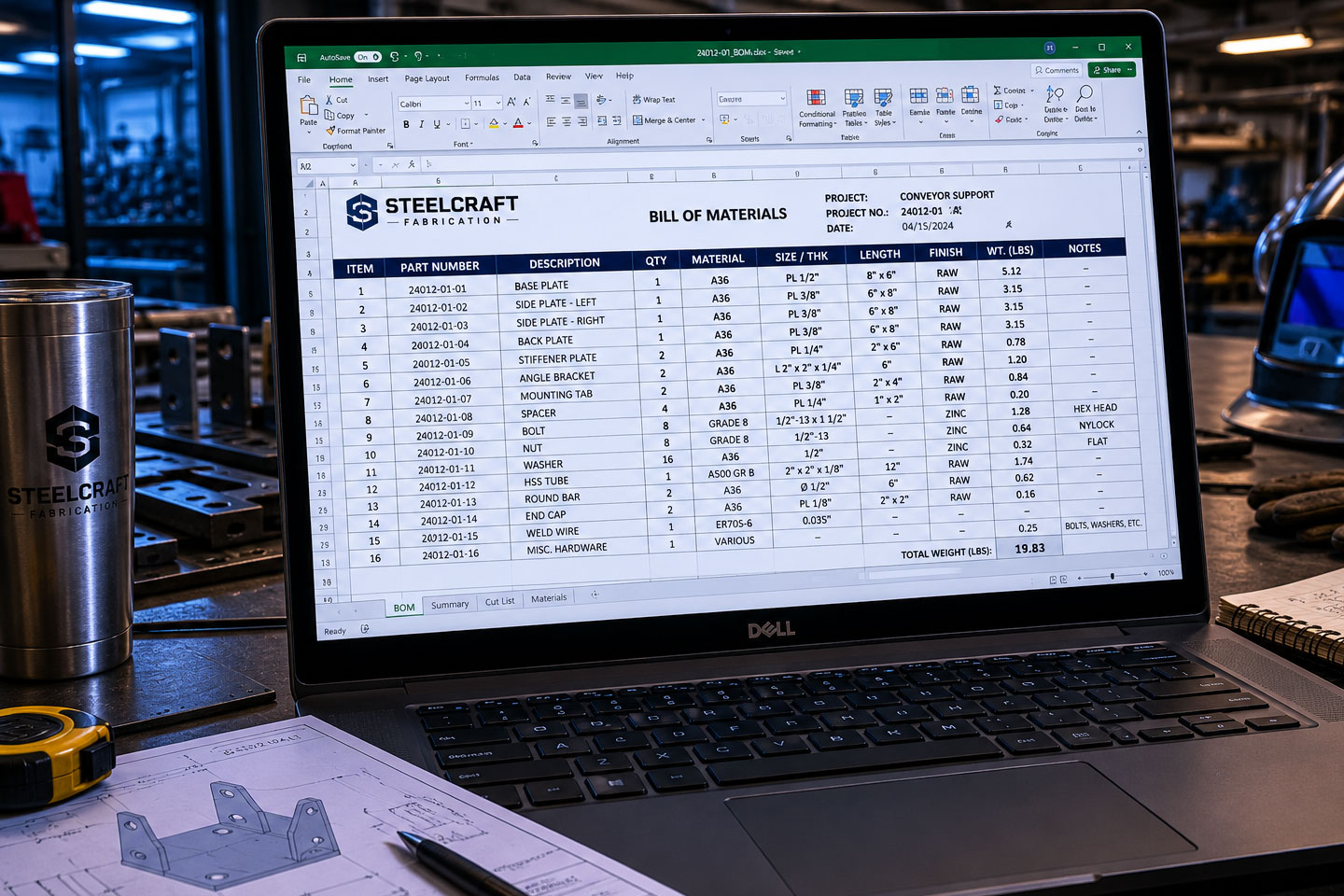
BILL OF MATERIALS FOR
MANUFACTURING COORDINATION
REVISION-CONTROLLED DRAWING
FOR PRODUCTION RELEASE